See your next chord before your creative flow disappears.
Visual Chord Planner turns harmony into color so DTM users, songwriters, and sound creators can sketch progressions quickly, audition loops, and export MIDI into a DAW.
Visual Chord Planner turns harmony into color so DTM users, songwriters, and sound creators can sketch progressions quickly, audition loops, and export MIDI into a DAW.
Circle-of-fifths inspired color coding helps you judge tension and fit before committing.
Tap or hold to audition chords, arrange them in the sequencer, and hear the loop immediately.
Finish the sketch inside your DAW with premium MIDI export and project save support.
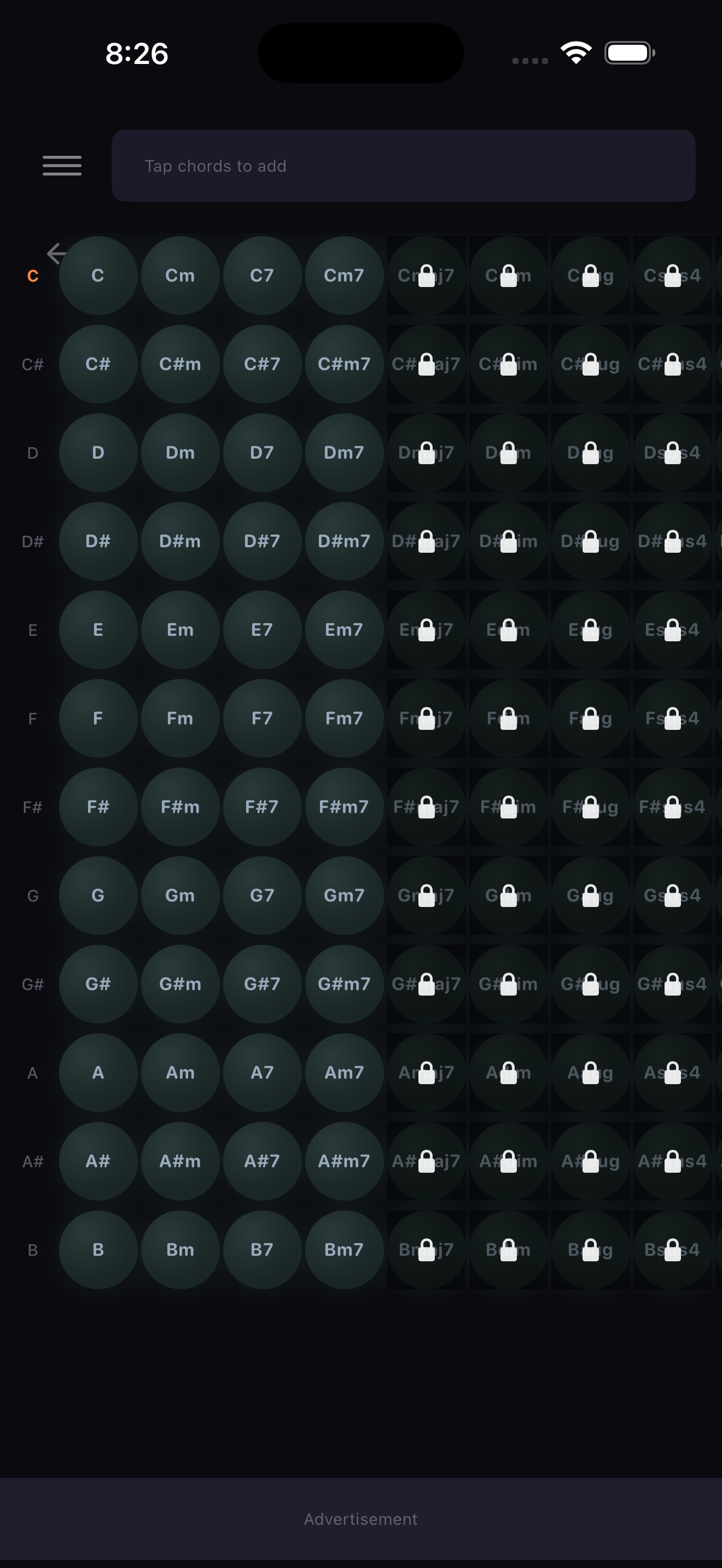
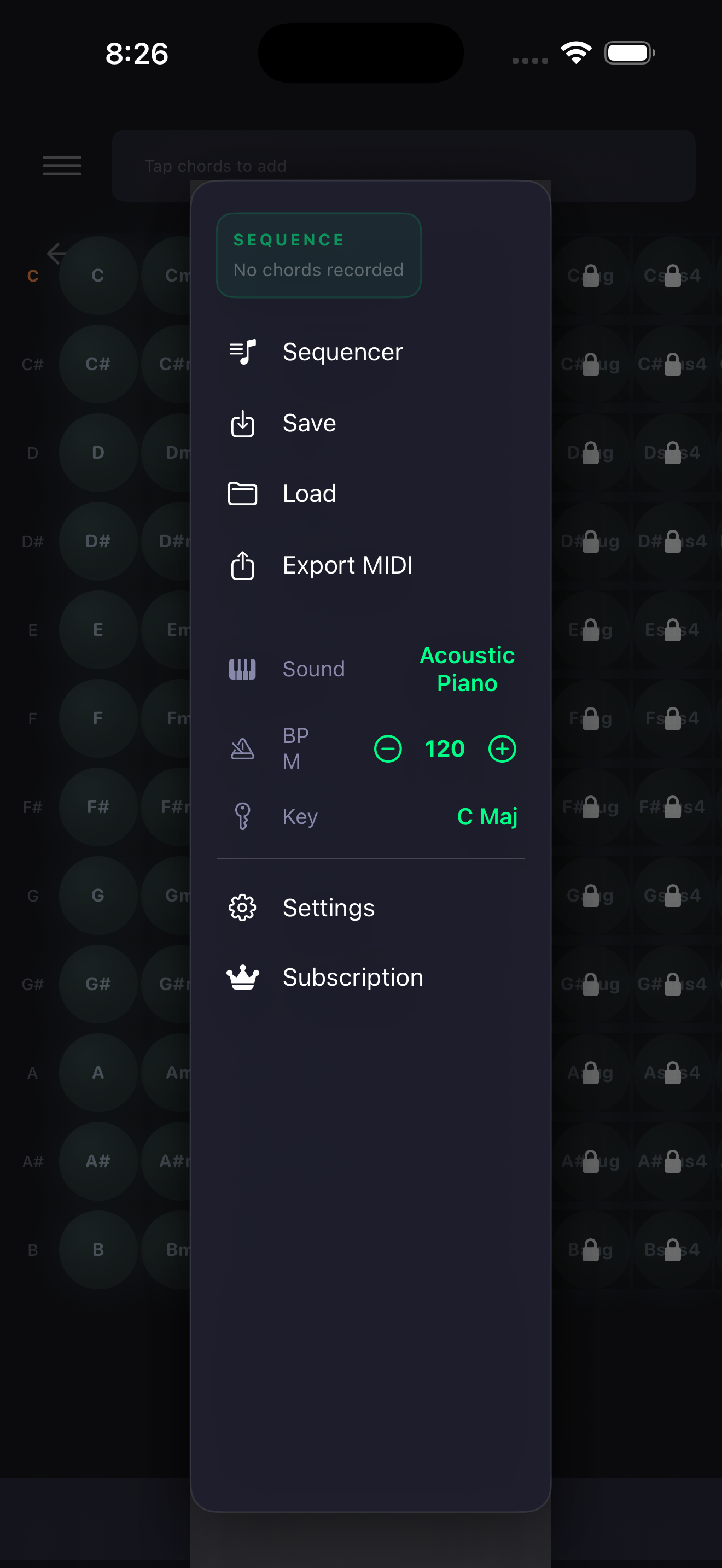
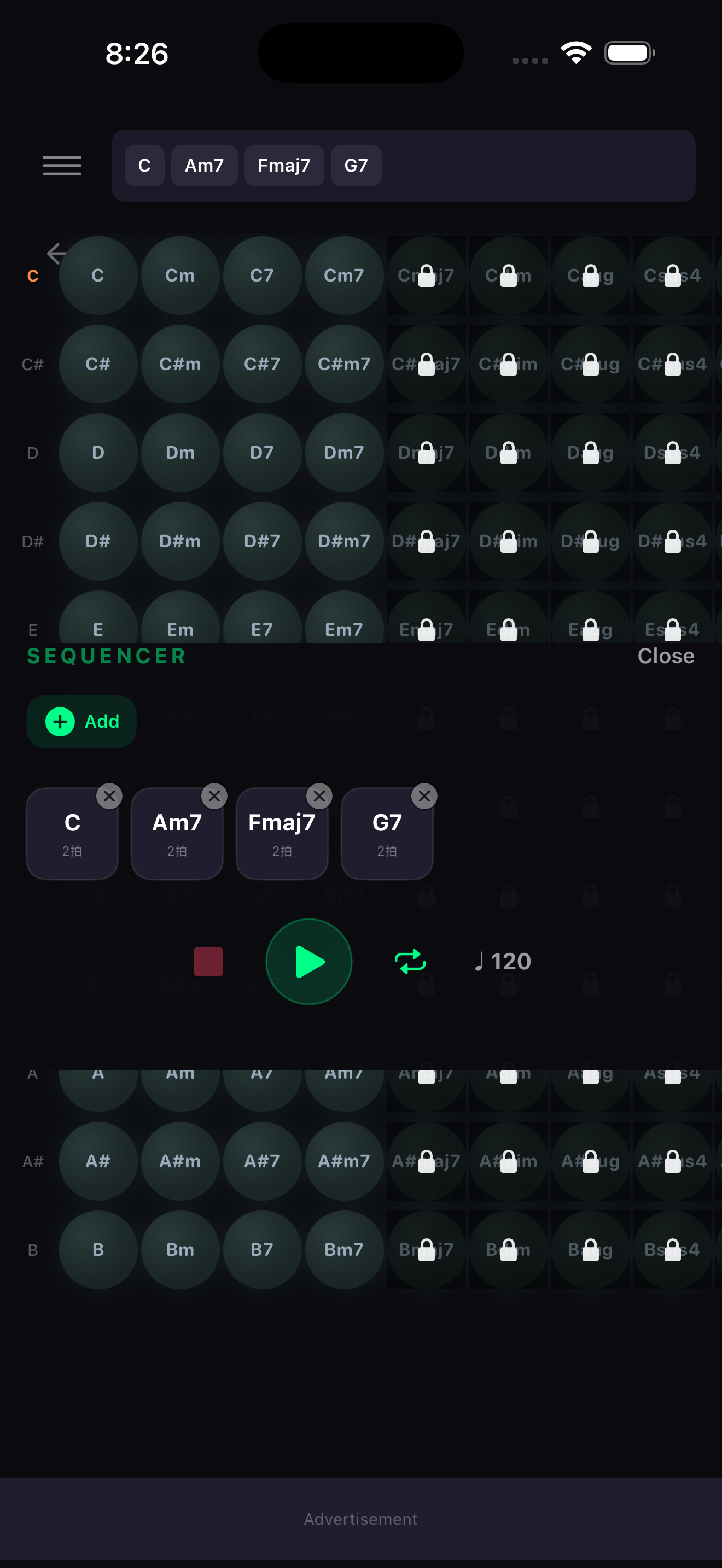
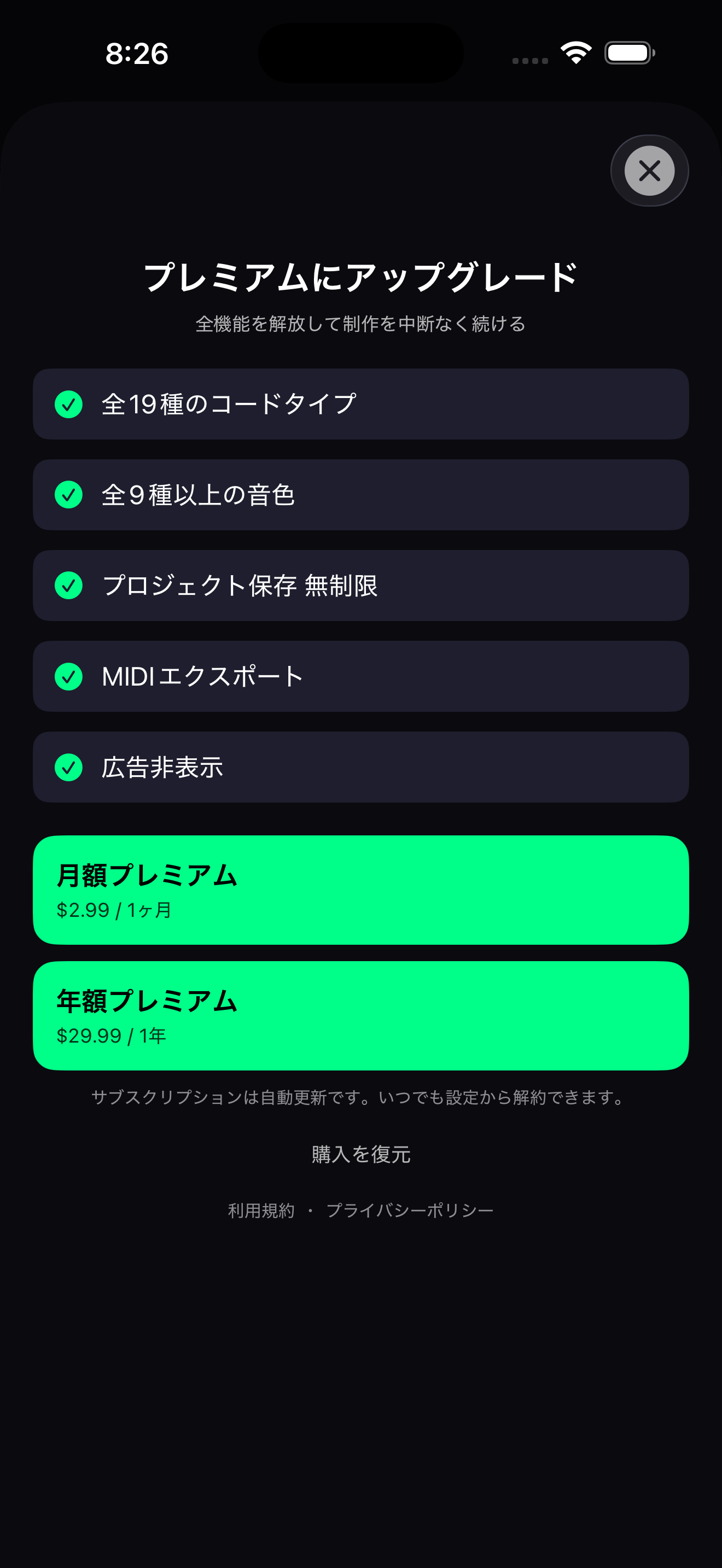
Initial public release with color-coded chord compatibility, sequencer workflow, project save/load, and premium MIDI export.
@visualchordplanner.bsky.social
Visual Chord Planner official account. Updates, tips, and release notes for DTM users and songwriters.
Updates are shared from this account.
@wabiplantvisualchordplanner@mastodon.social
Official account for Visual Chord Planner. Updates and usage notes for DTM users and sound creators.
Updates are shared from this account.
@visualchordplanner
Visual Chord Planner official account. Short reels and posts for workflow tips and updates.
Updates are shared from this account.
@visualchordplan
Official account for Visual Chord Planner. Chord progression workflow, MIDI export, and update notes.
Updates are shared from this account.
Turn harmony into color, audition loops, and export MIDI straight into your DAW.
Open on the App Store